
Smart parking with Seety in Bancontact Pay
From today, parking in the city just got a whole lot easier. Thanks to the integration of Seety into the Bancontact Pay app, you can now pay for your parking session directly through the app.
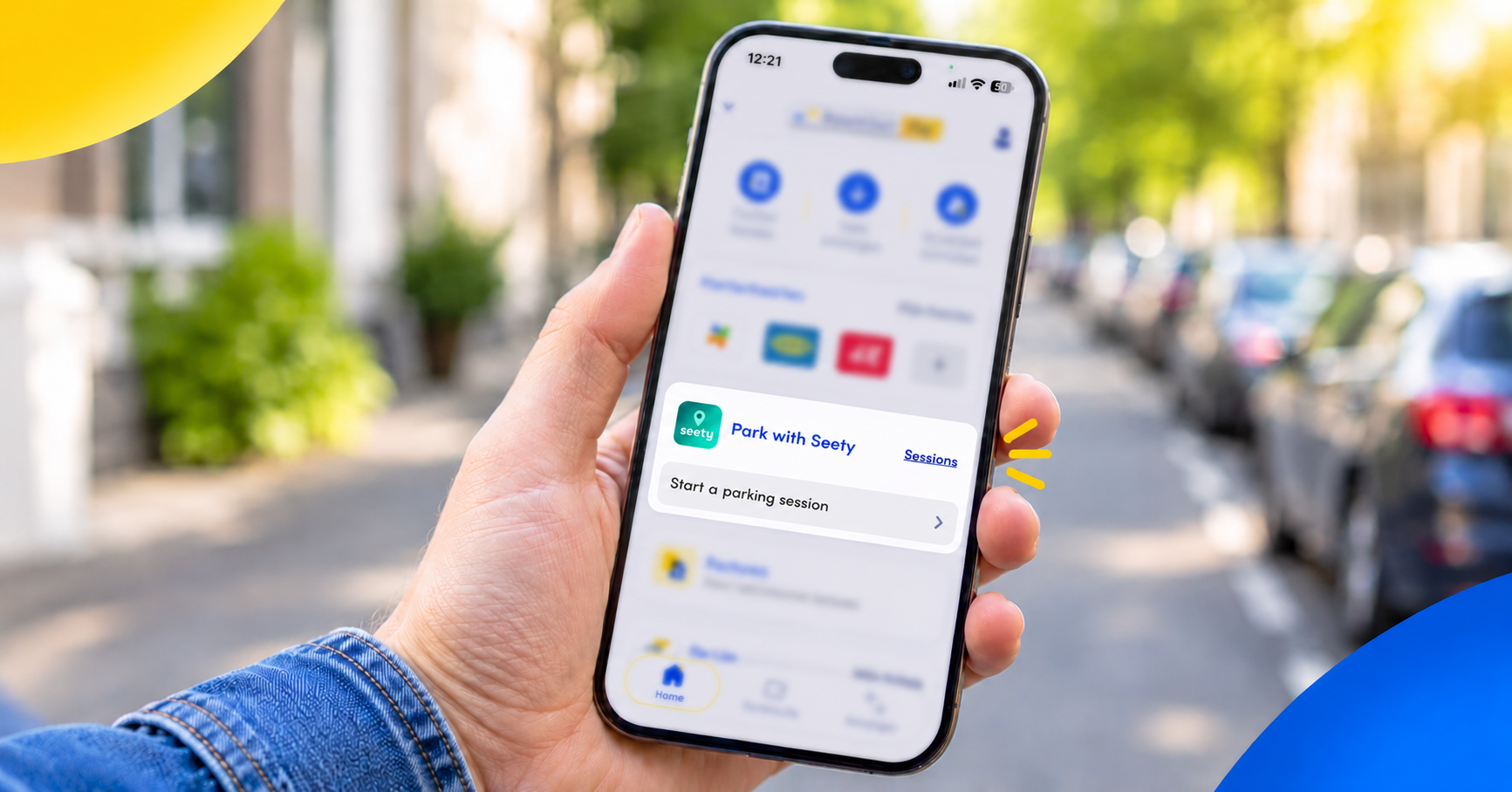
Say goodbye to parking stress
Finding a parking space in busy city centres can be frustrating and time-consuming. And with different parking rates and rules depending on the zone, knowing where and when to pay isn't always straightforward.
With Seety in Bancontact Pay, all the parking information you need is clearly displayed on one map. And the best part? You can manage all your payments in one app.
The Bancontact Pay way
Need to make a payment? Bancontact Pay. Need to park? Bancontact Pay!
Simply open the Bancontact Pay app to see where you can park for free or find the cheapest parking nearby. You can also check the exact parking rates and see how long you need to pay for. No more unexpected costs or costly parking fines!
What's more, you can choose which Bancontact card to use for every payment in the Bancontact Pay app, from any Belgian bank.
Where can you use Seety in Bancontact Pay?
The Seety parking feature is available for on-street parking in major cities. There are two easy ways to check whether you can use the app to pay for parking in your area:
- In the Bancontact Pay app: simply open the app to see whether Seety is available at your location and whether parking fees apply. That's the Bancontact Pay way!
- On the street: look out for the Seety logo on local parking meters and parking signs.
How does it work?
To start using Seety, you'll need to log in with your existing Seety account or create a new one. It only takes a minute!
- Start a parking session by finding your location on the map or entering a specific address.
Tip: allow the Bancontact Pay app to access your location for the best experience. - Choose how long you want to park, select your car and pick the bank card you'd like to use to pay. You can add up to five bank cards to the app, of all different Belgian banks.
- Start your session and you're all set! You'll receive a notification shortly before your parking session ends, giving you time to extend it if needed.
Tip: enable notifications so you'll automatically receive a reminder when your parking session is about to end.
Back at your car earlier than planned? Simply stop your parking session and the unused amount will be refunded to your account.
Now available in Bancontact Pay
Leave parking stress behind! Download the latest version of the Bancontact Pay app from the App Store or Google Play and try out the new parking feature.
Find out more about parking with Bancontact Pay here.