
Pay your friends instantly and remotely using the ‘Pay a contact’ feature
You no longer need to wait for a payment request or a QR code to scan. With the Bancontact Pay app, you can now take the initiative and pay your friends or family instantly, wherever you are, using the ‘Pay a contact’ button.
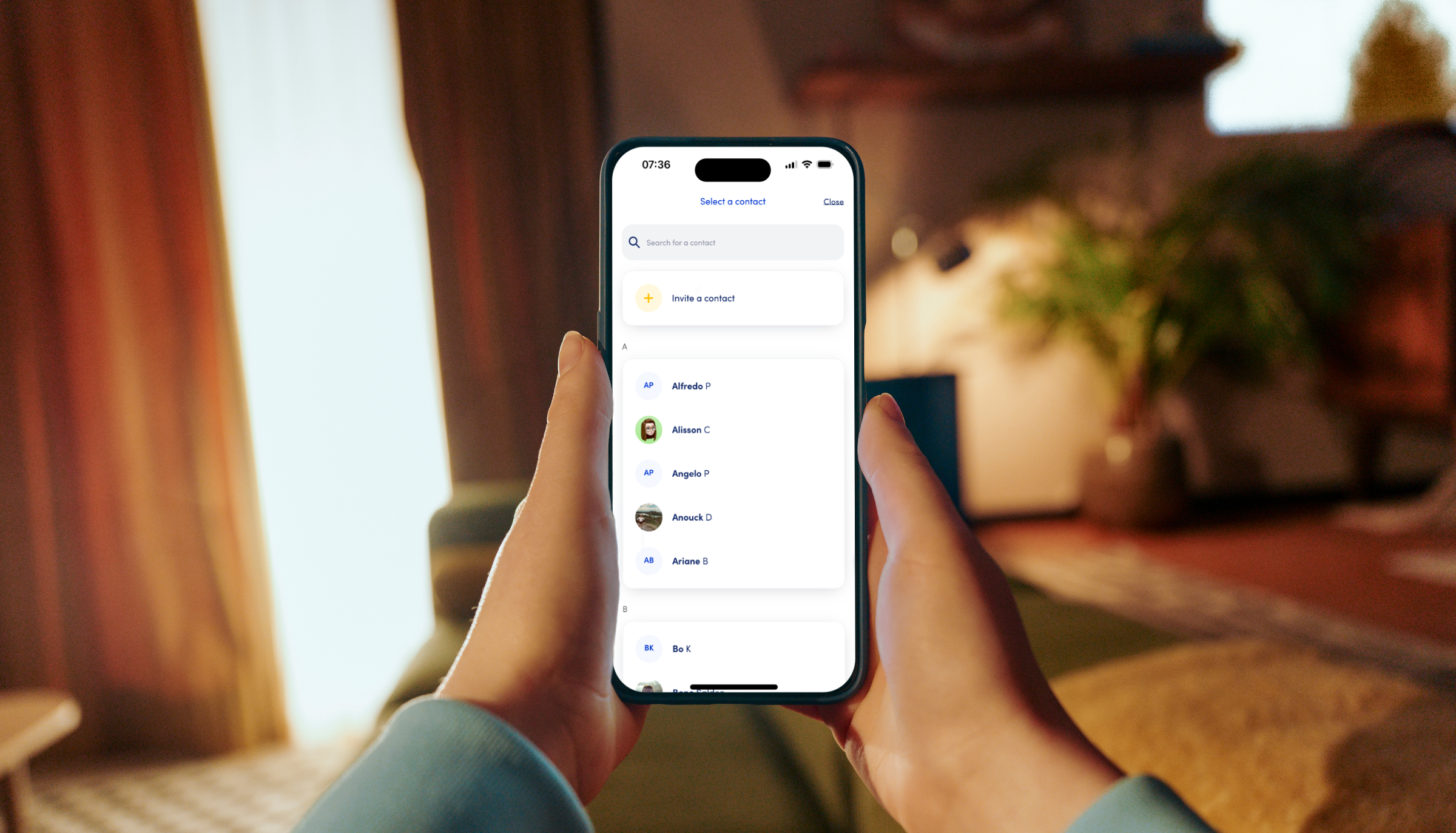
Pay whenever it suits you
Whether you want to settle last night’s bill or transfer some money to the kids: from now on, you can do it in a jiffy. By linking the contacts on your smartphone to the Bancontact Pay app, you no longer need anyone else to initiate a payment. The initiative is entirely yours.
Choose your own card
Do you have multiple bank cards? No problem. You can add up to five different cards to the app, even from different banks. With every payment, you simply choose which card you want to use at that moment.
The freedom of remote payments
Scanning a QR code is handy when you’re together, but your contact list gives you the freedom to pay whenever you want – without having to rely on anyone else. Just look up the name, enter the amount, and you’re done.
How it works
- Tap and pay: select ‘Pay contact’ on your home screen and choose the person you want to pay (the first time, you’ll need to grant access to the contacts on your phone).
- Select your card and confirm: choose the desired bank card, enter the amount and confirm. You’ll see straight away if the payment was successful. Depending on the bank, the money will appear in your contact’s account either immediately or the next working day.
- Your contact list is now your payment list: all your contacts who also use Bancontact Pay will automatically appear in your contact list in the app.